


 |
 |
 |
 |
 |
 |
 |
 |
 Mouse cable color depends on the actual product, factory direct shipment, quality assurance
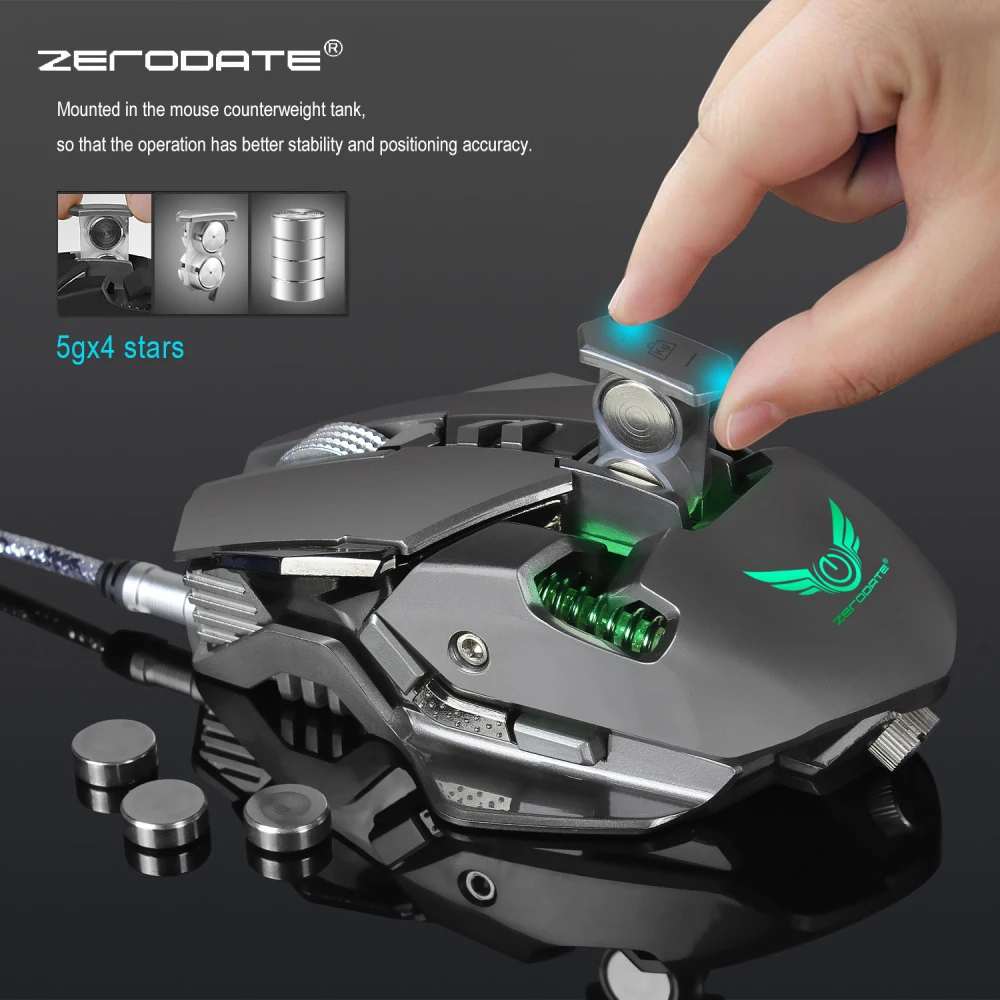
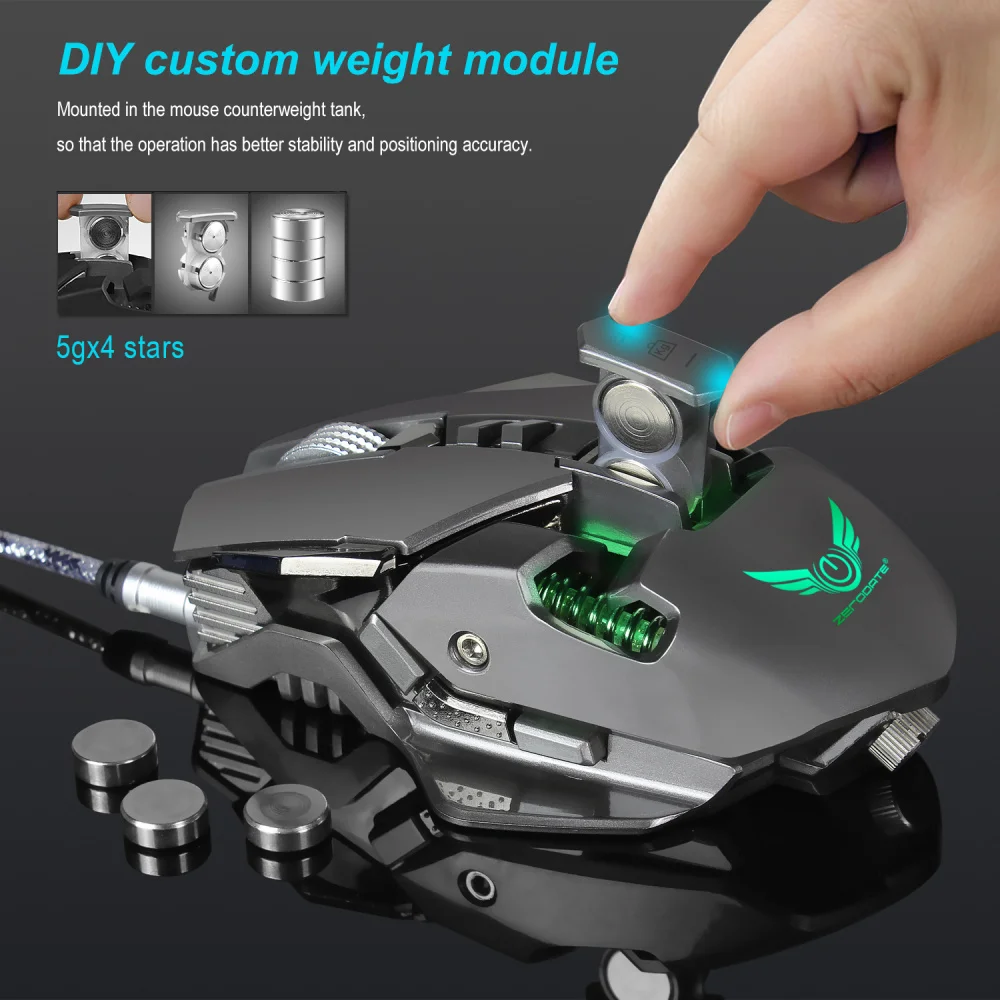
The mouse has a macro storage function that sets the storage macro for use by any computer.
Description
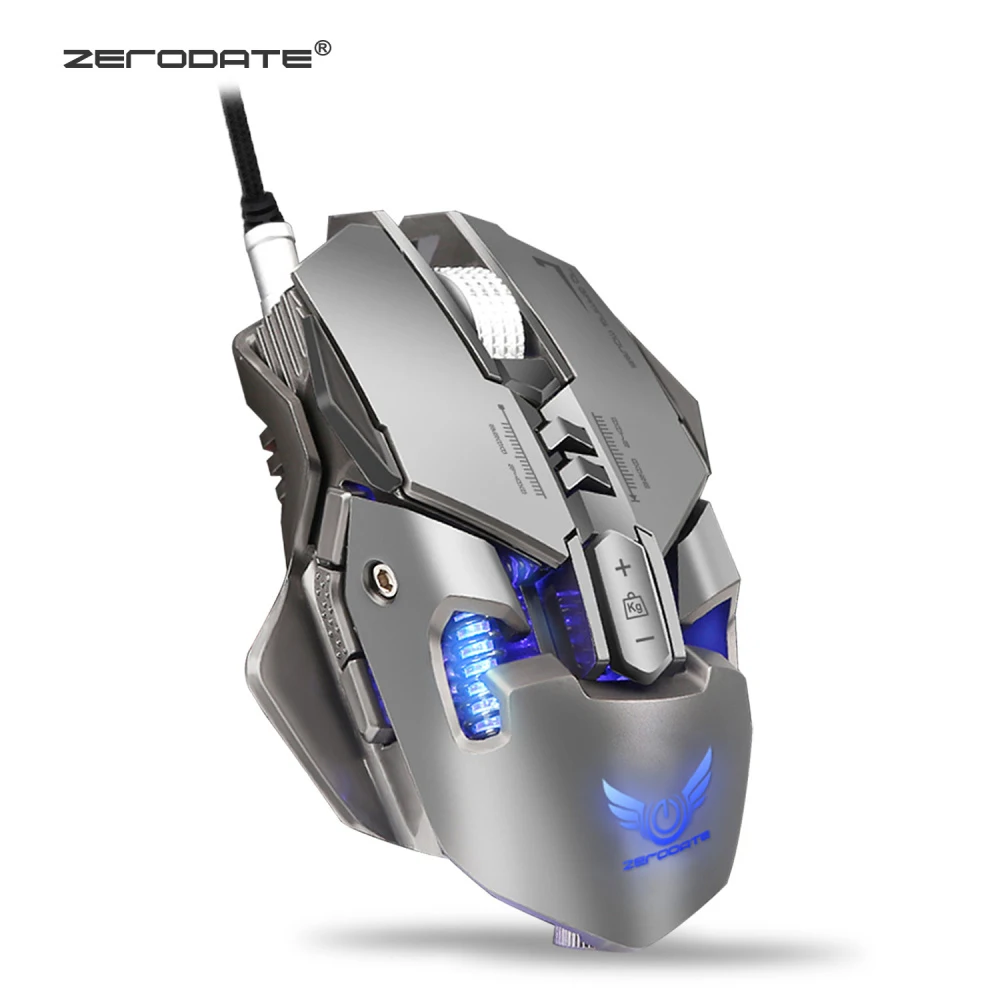
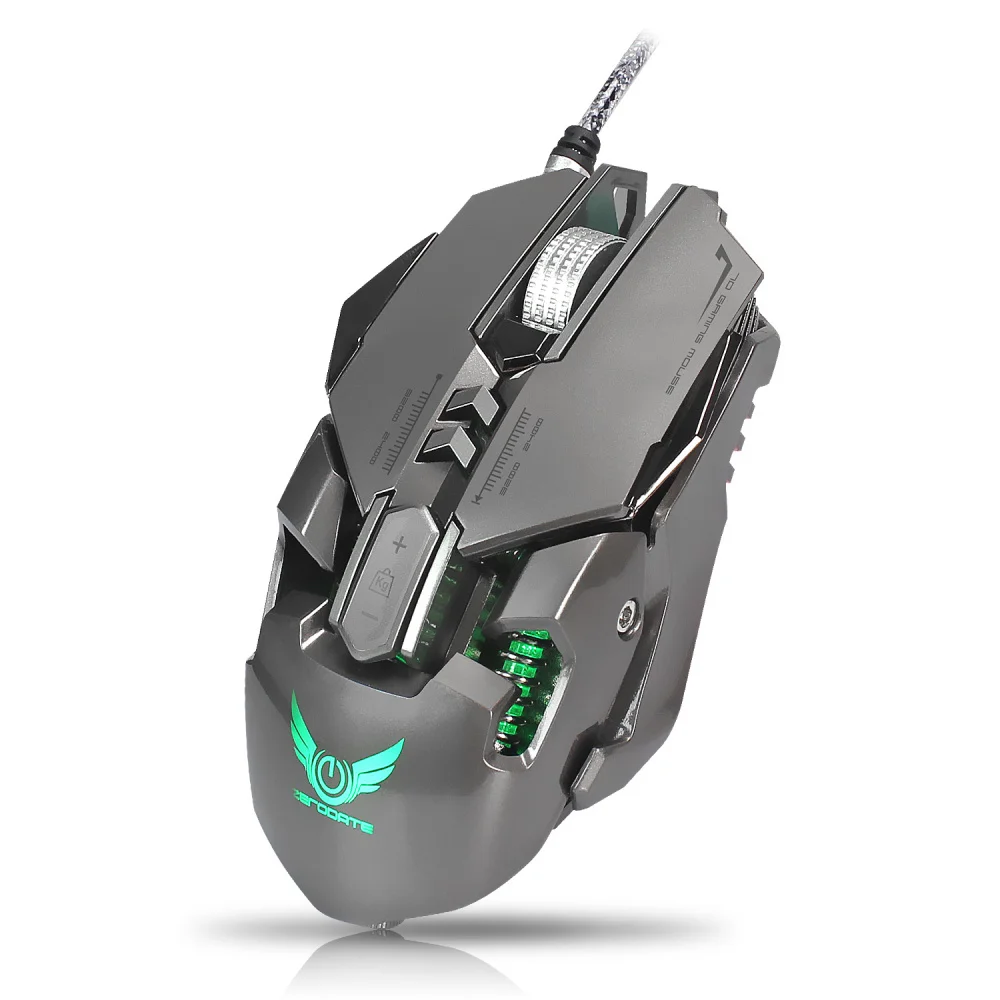
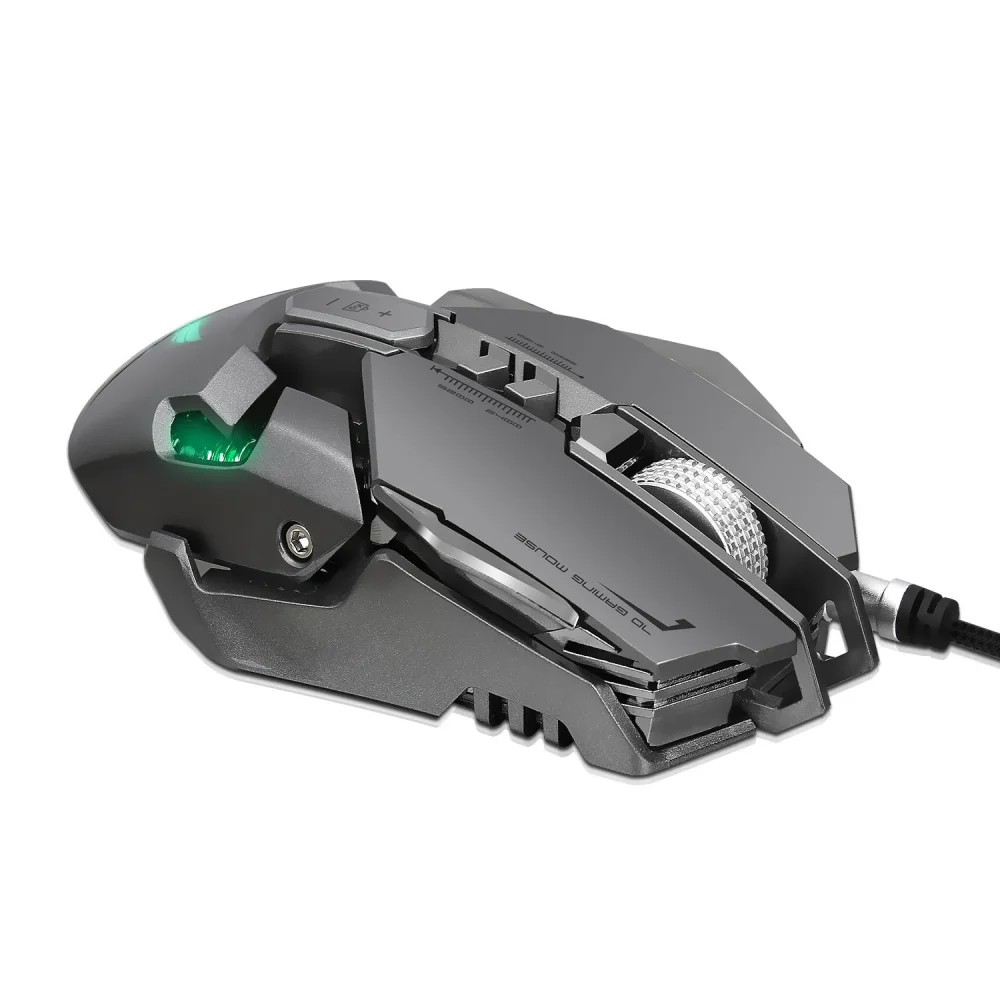
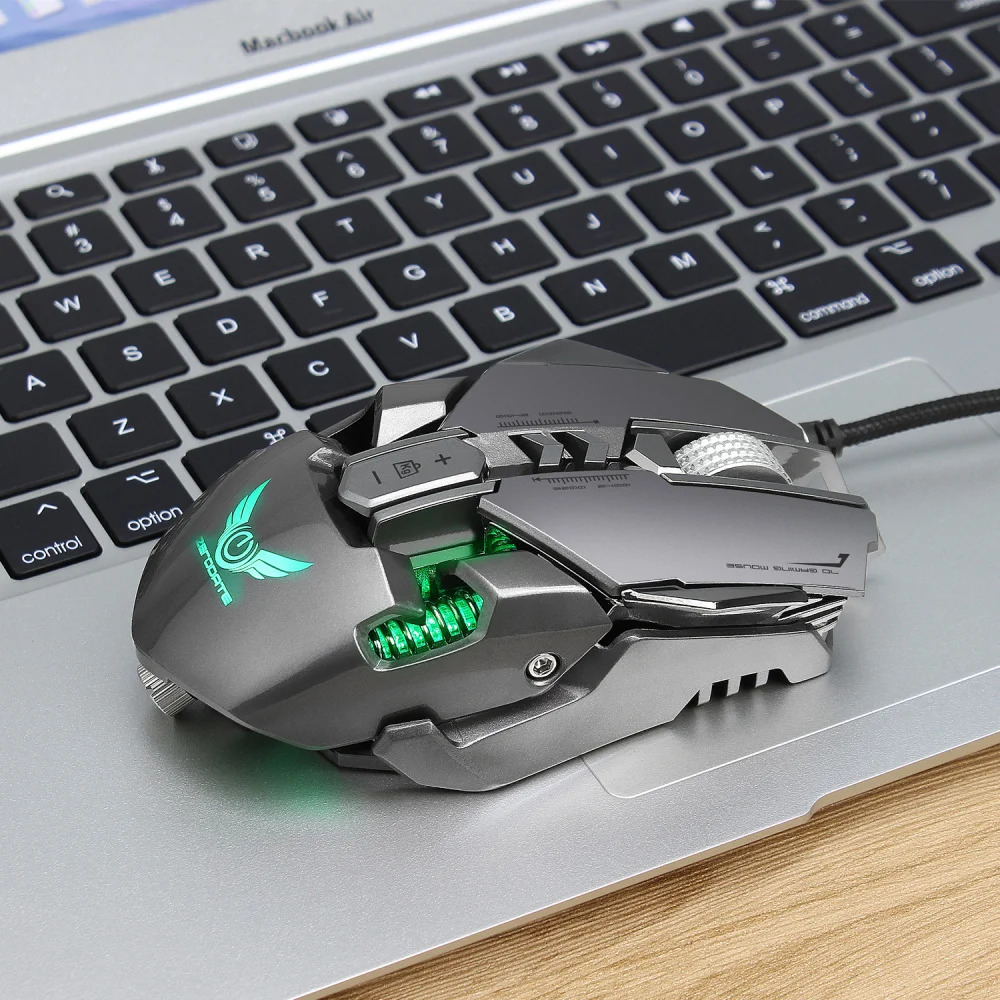
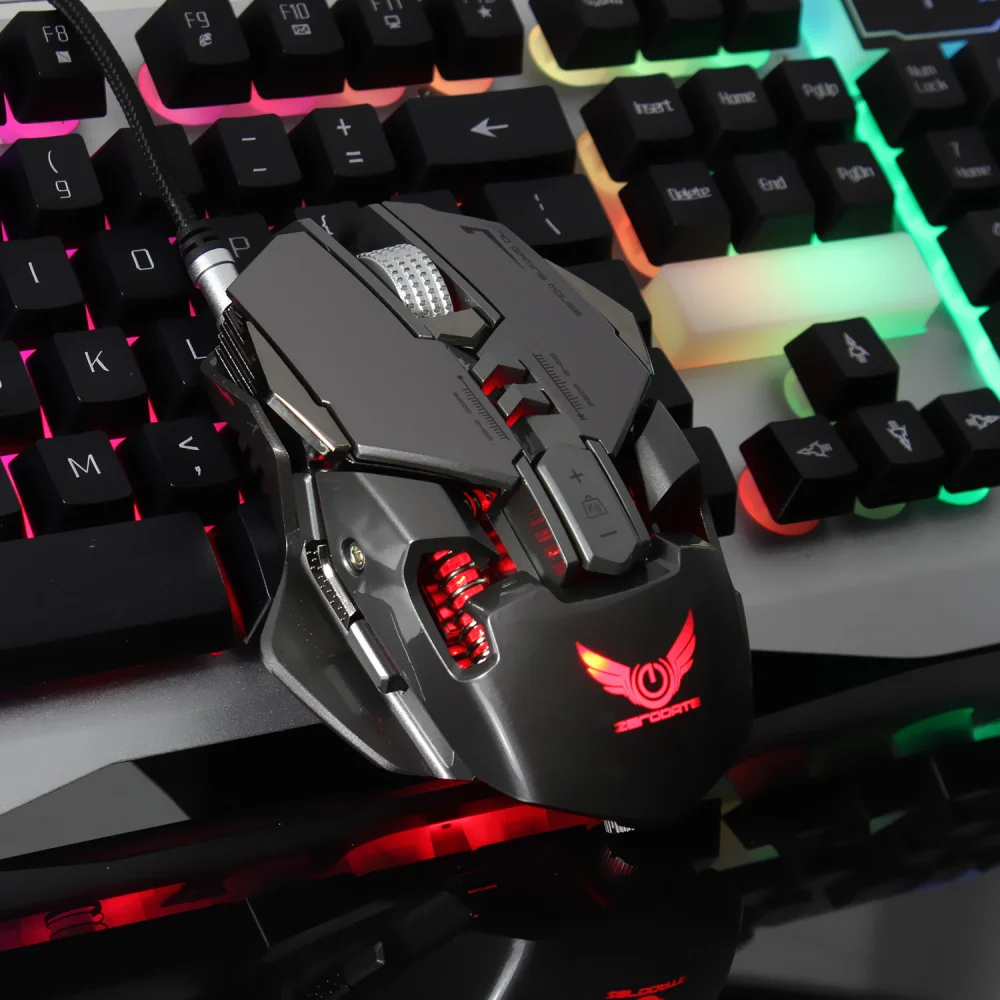
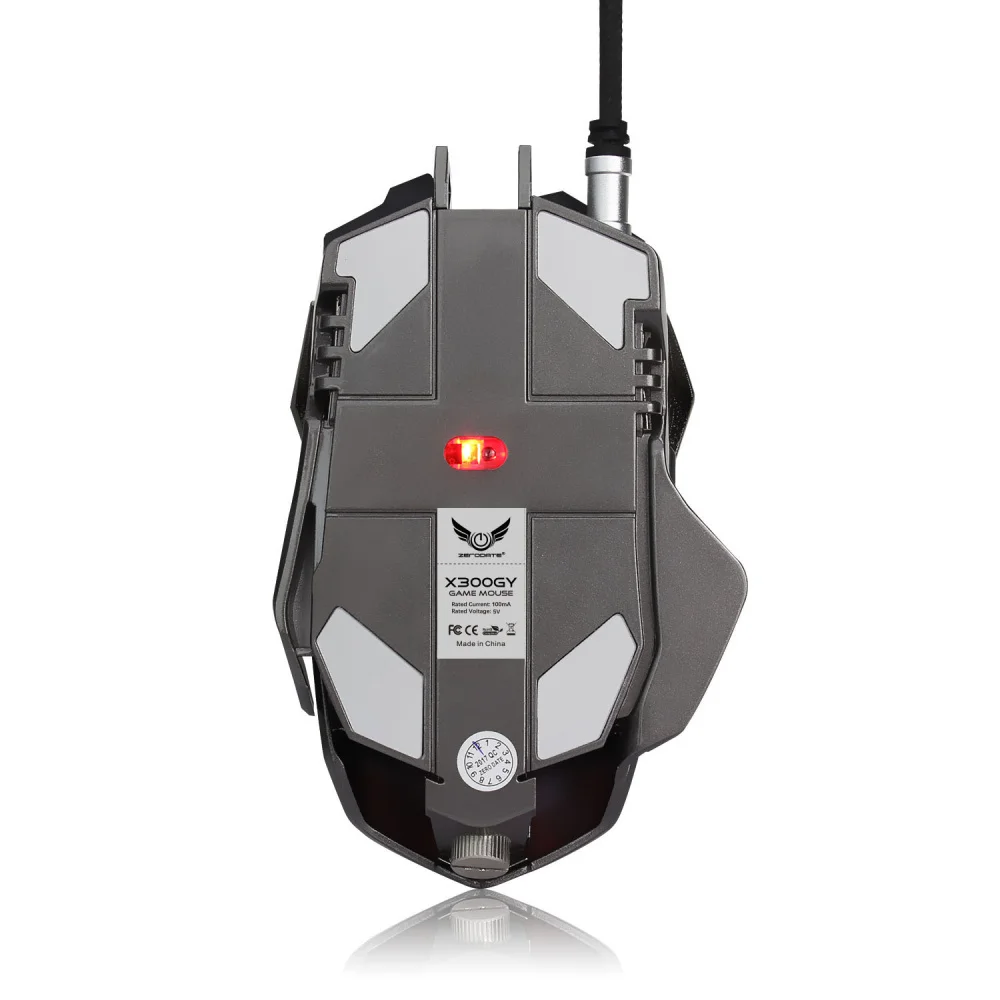
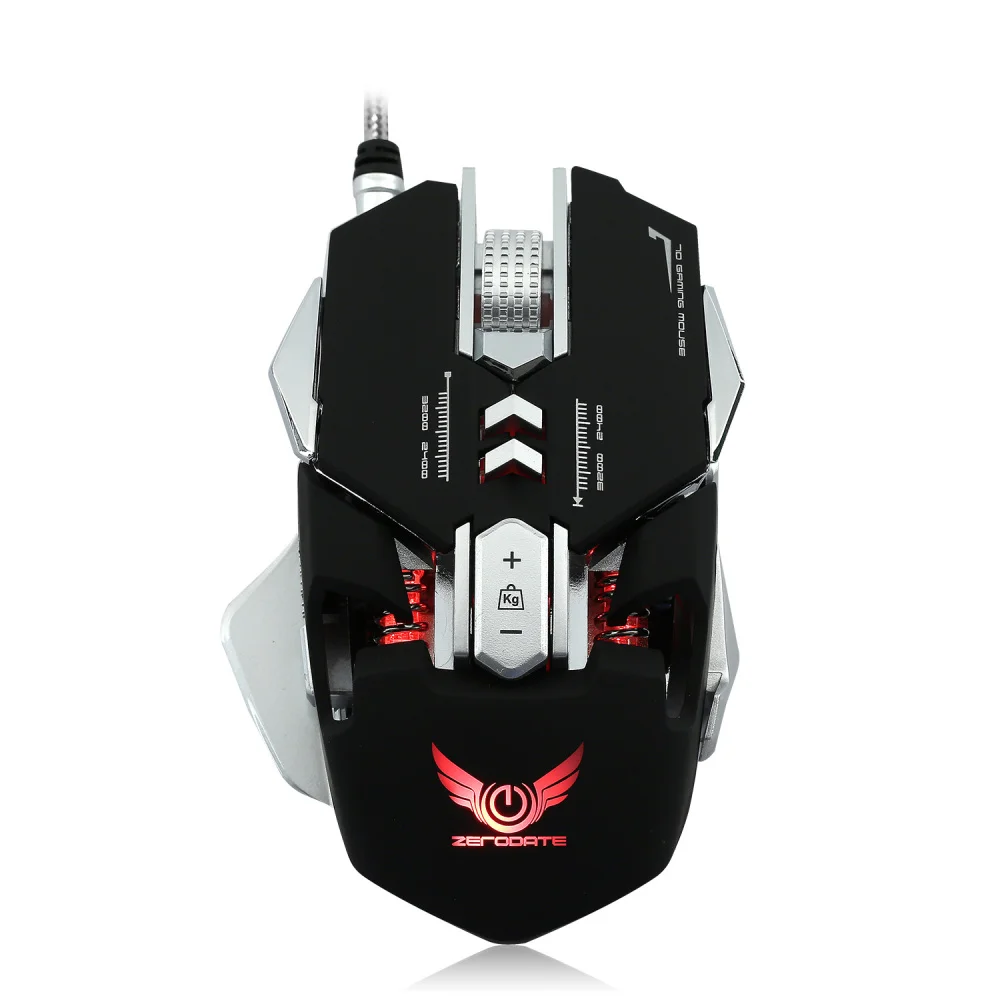
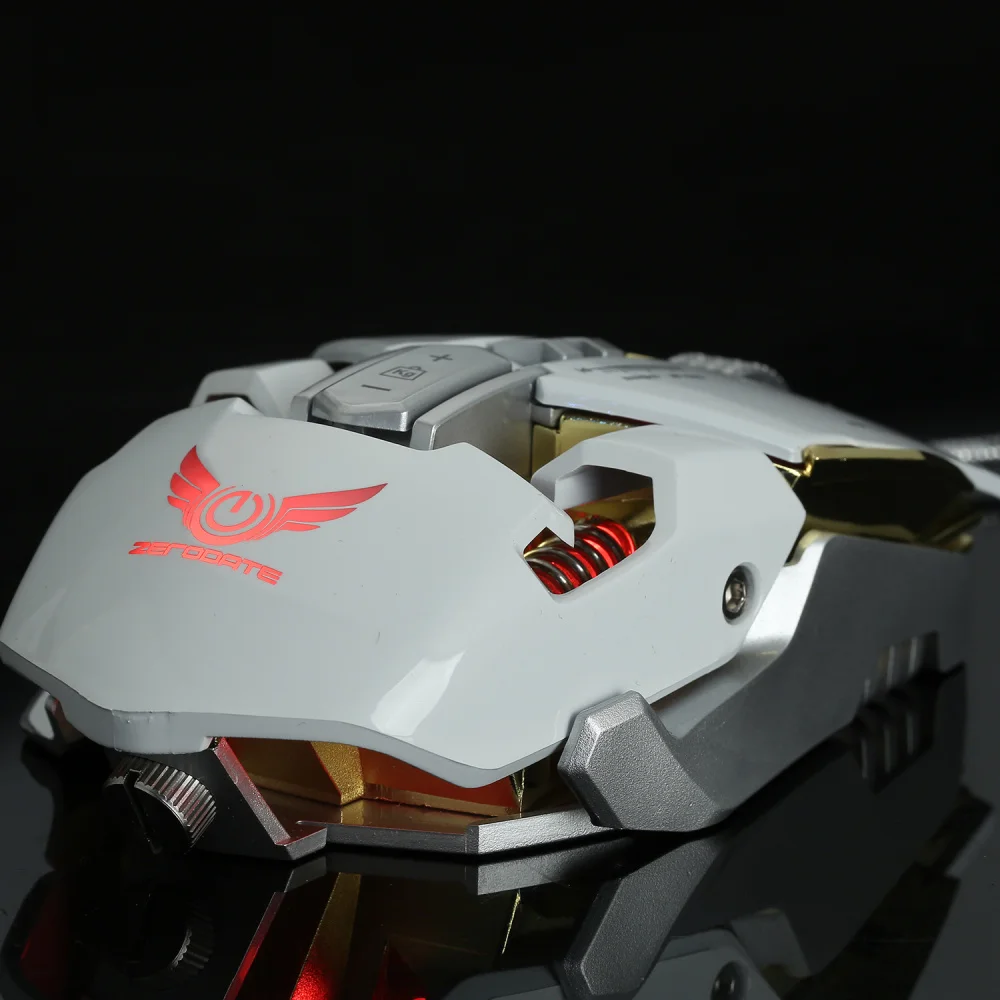
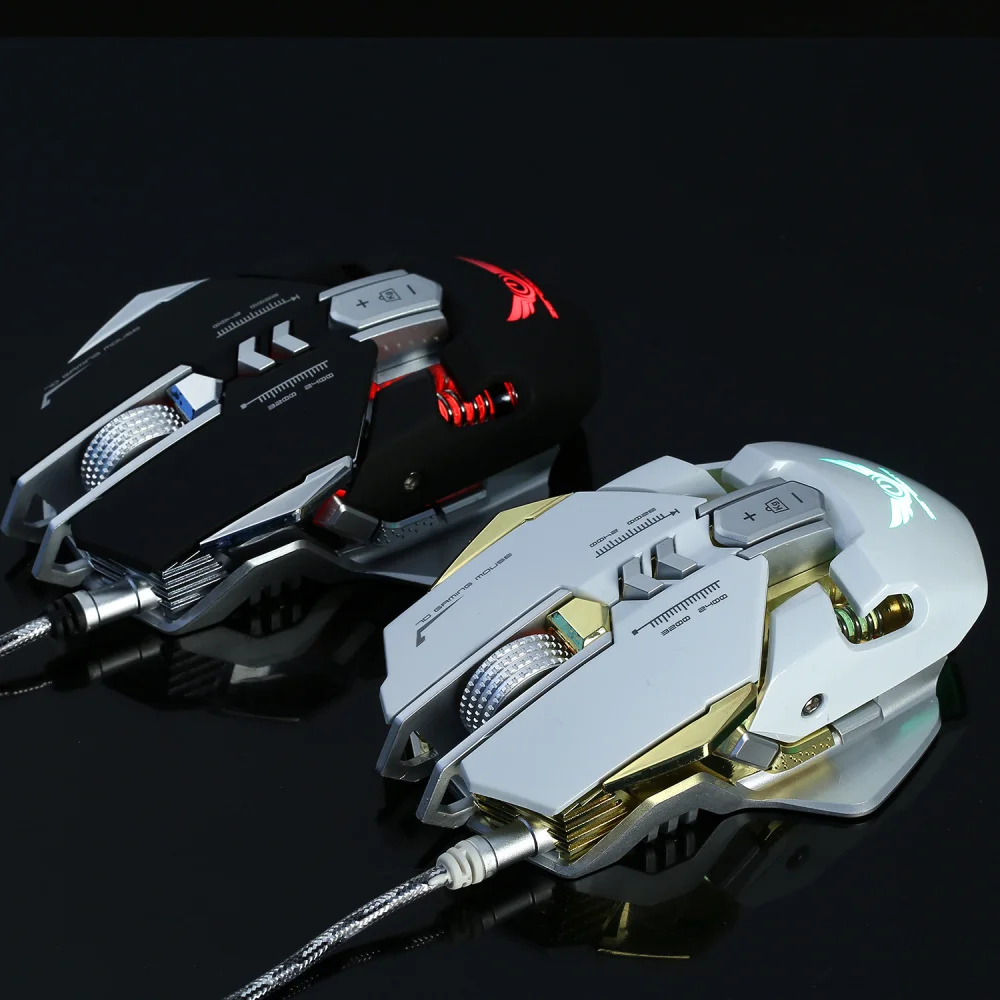
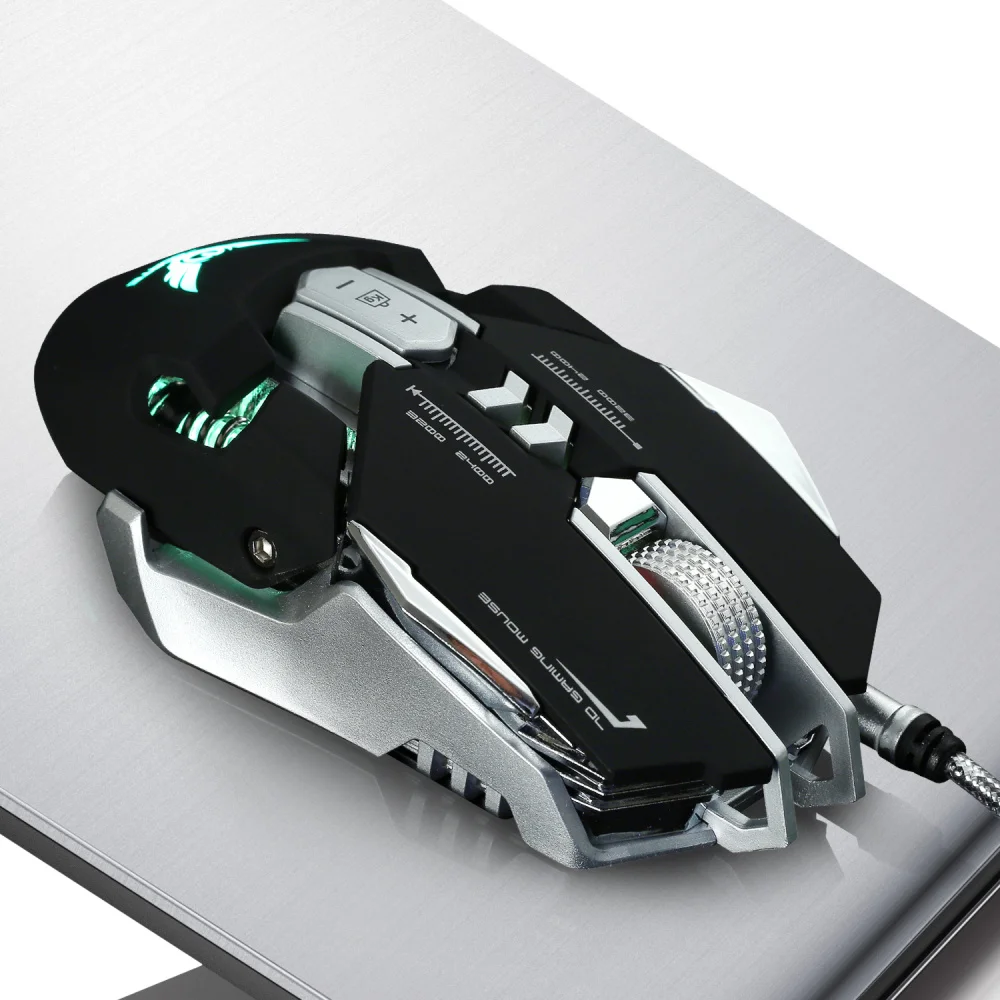
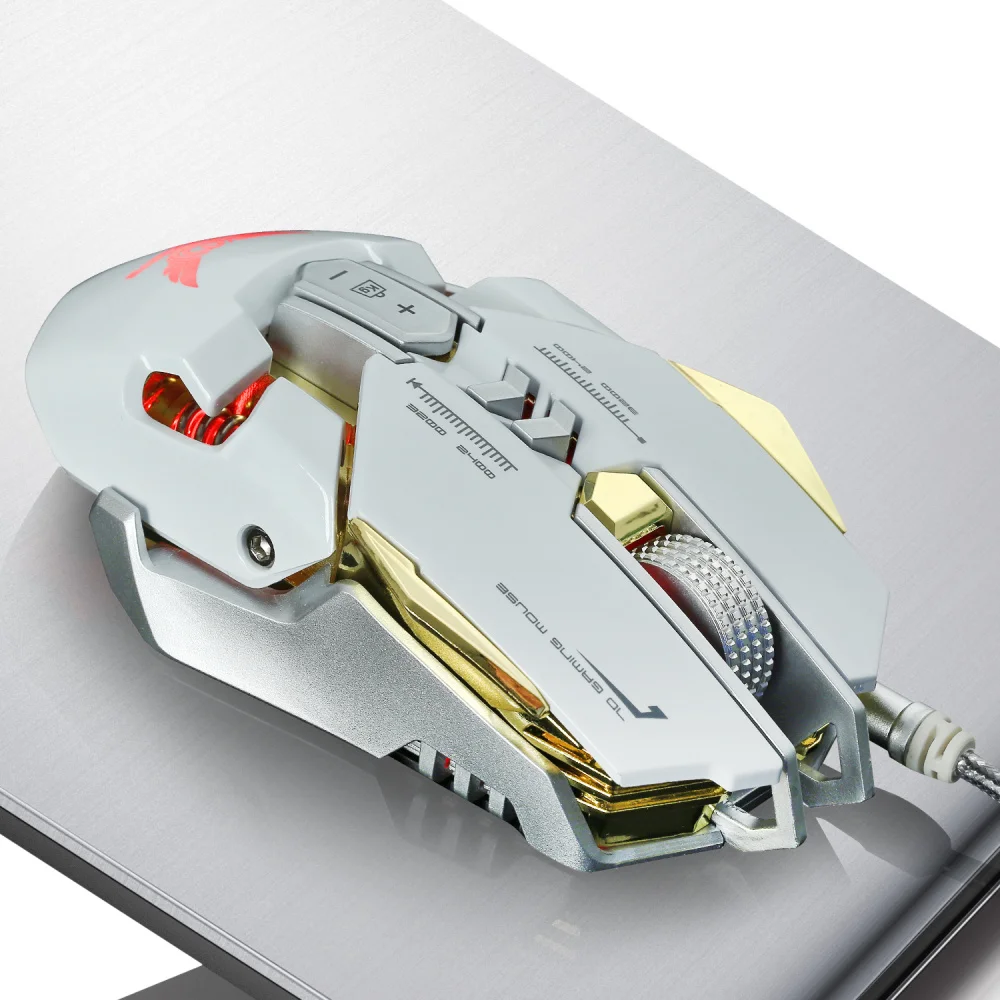
1:Product model:X300GY Mechanical Macros Define the game mouse
2:100% new mouse game
3:High-end brand mechanical macro definition gaming mouse
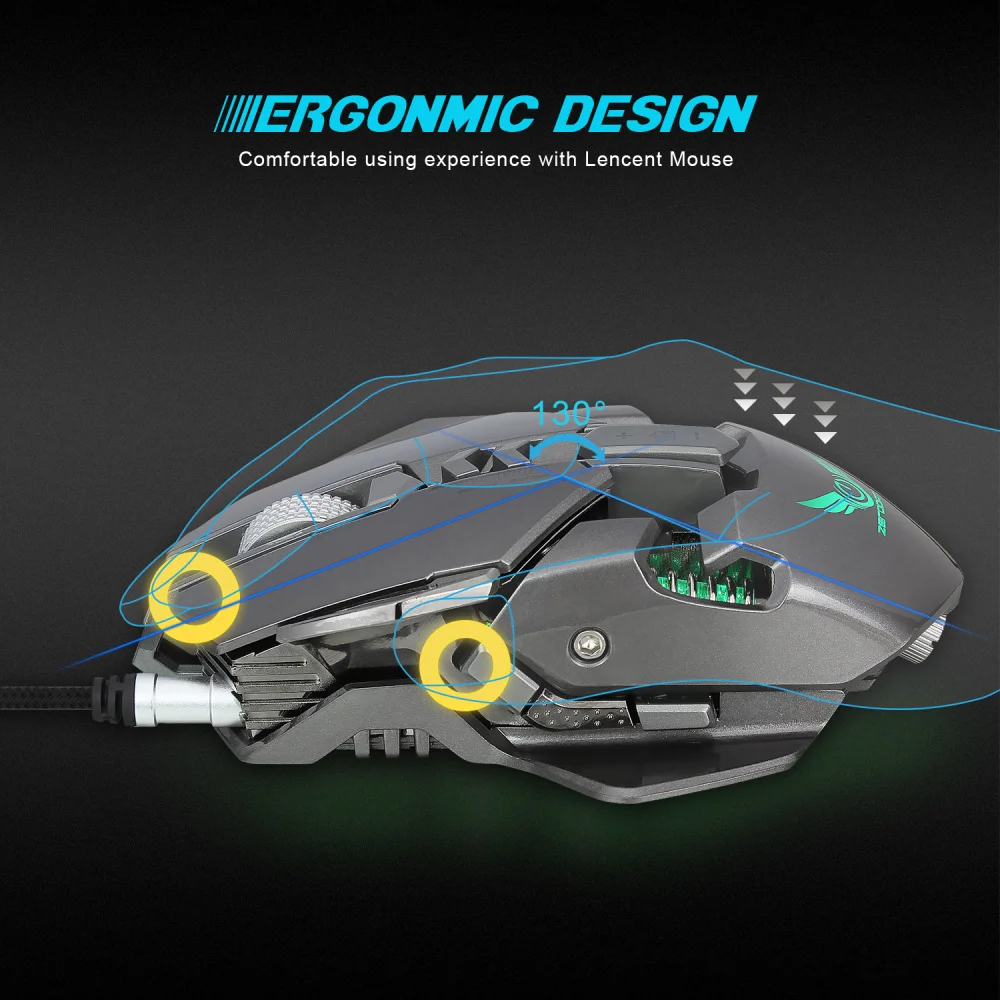
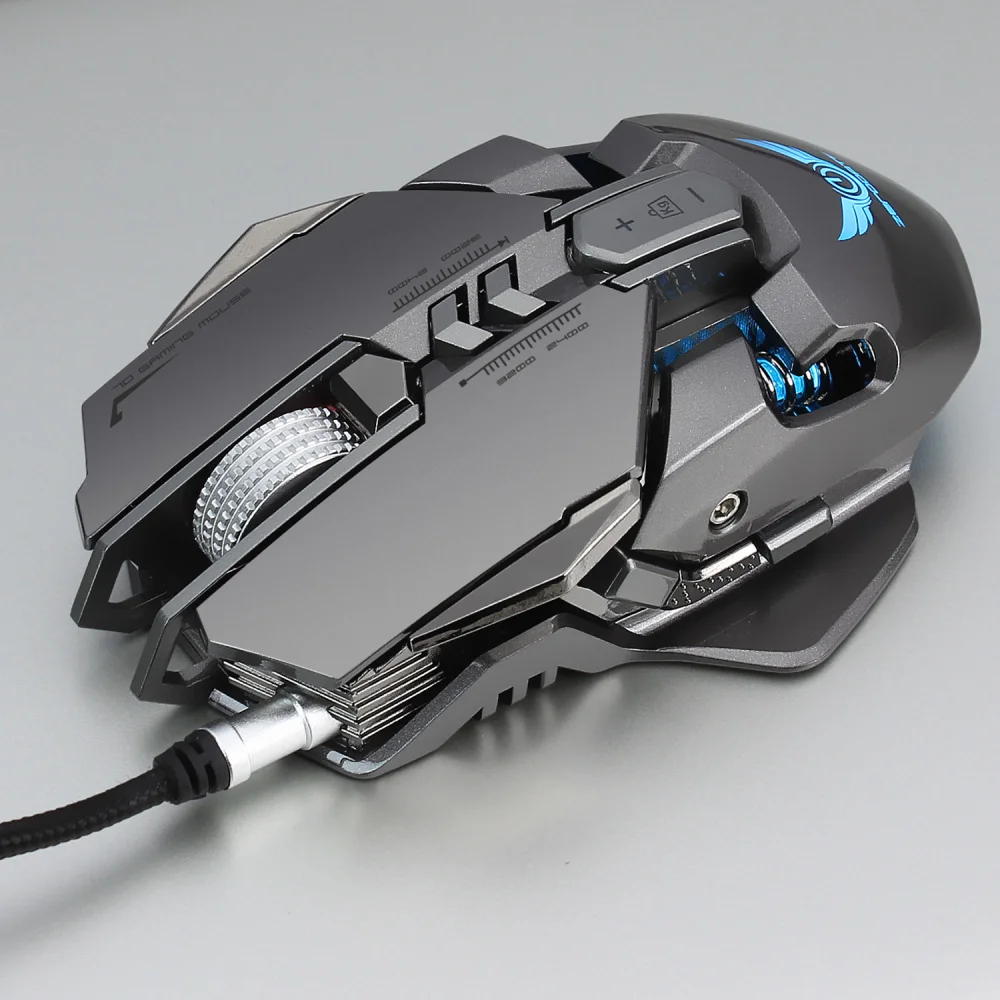
4:Human body engineering design
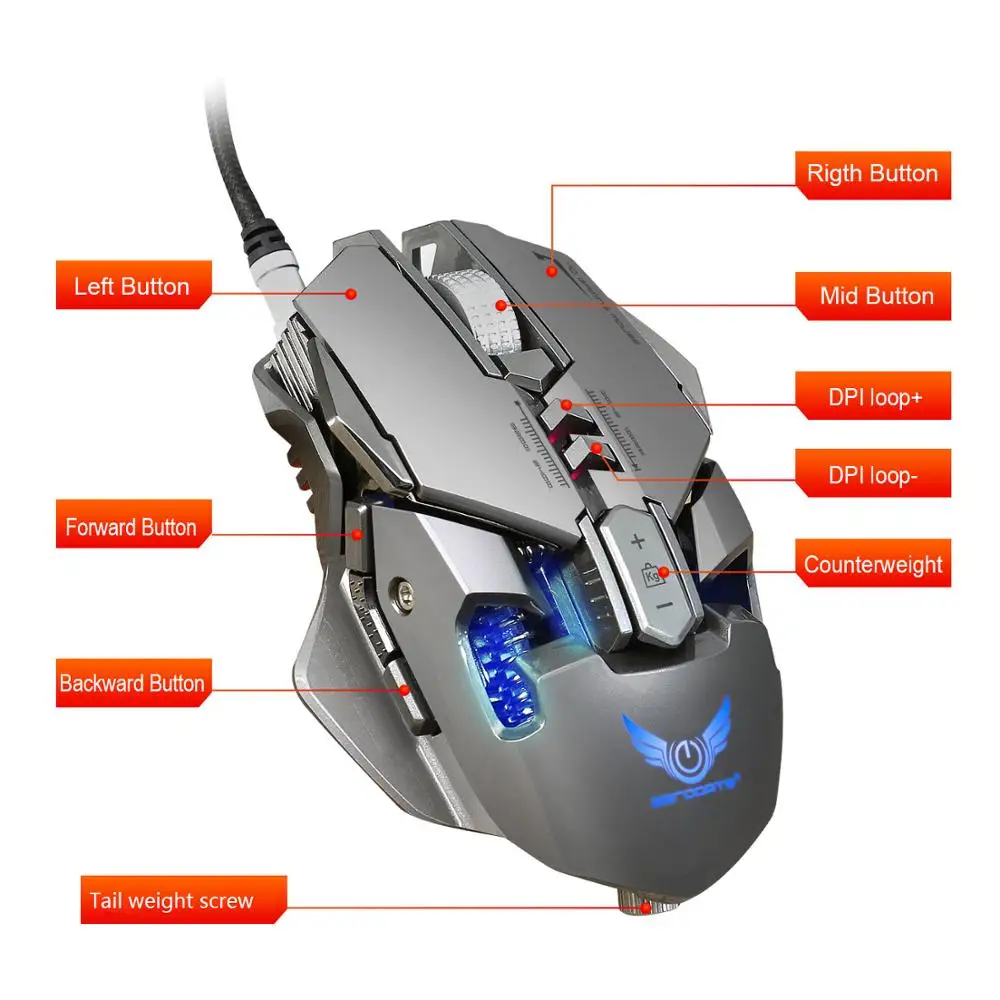
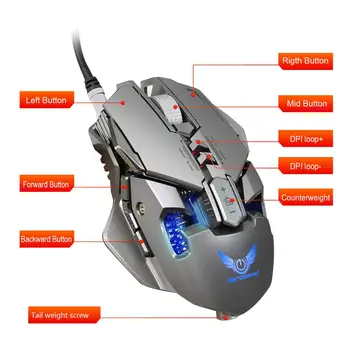
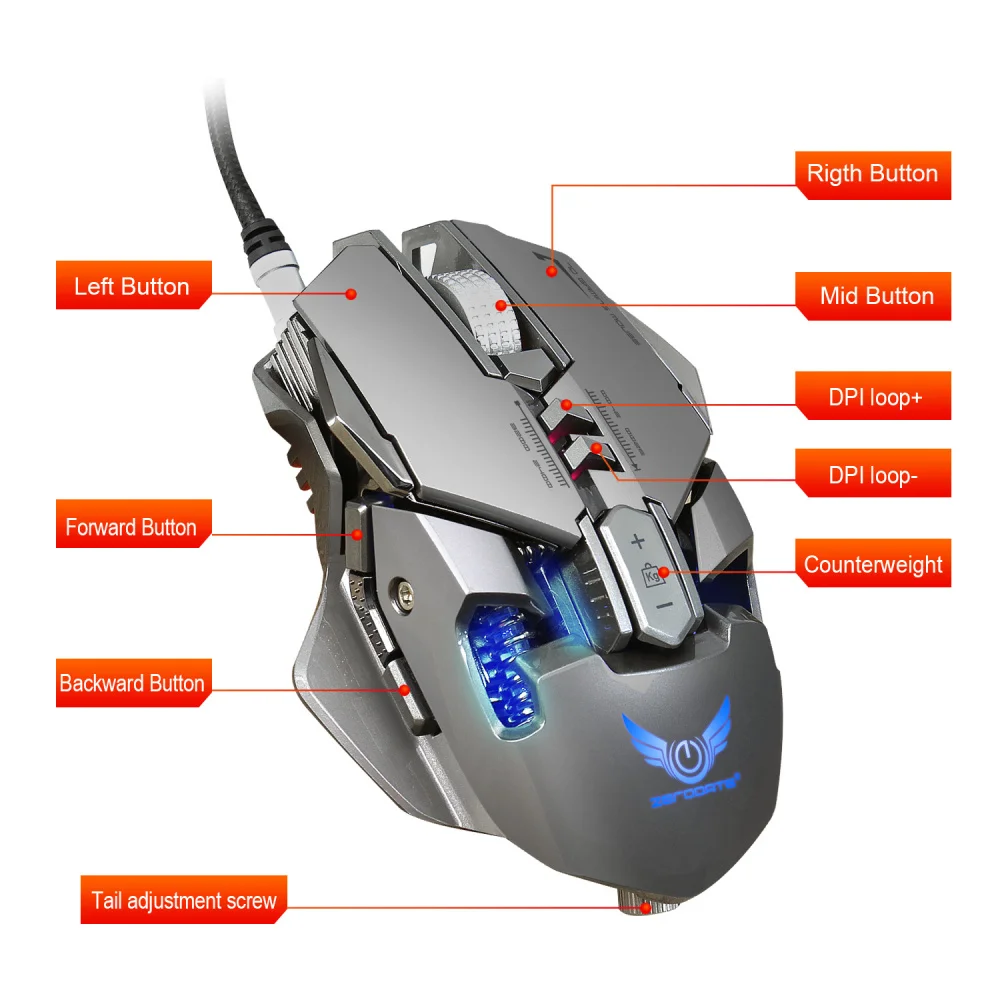
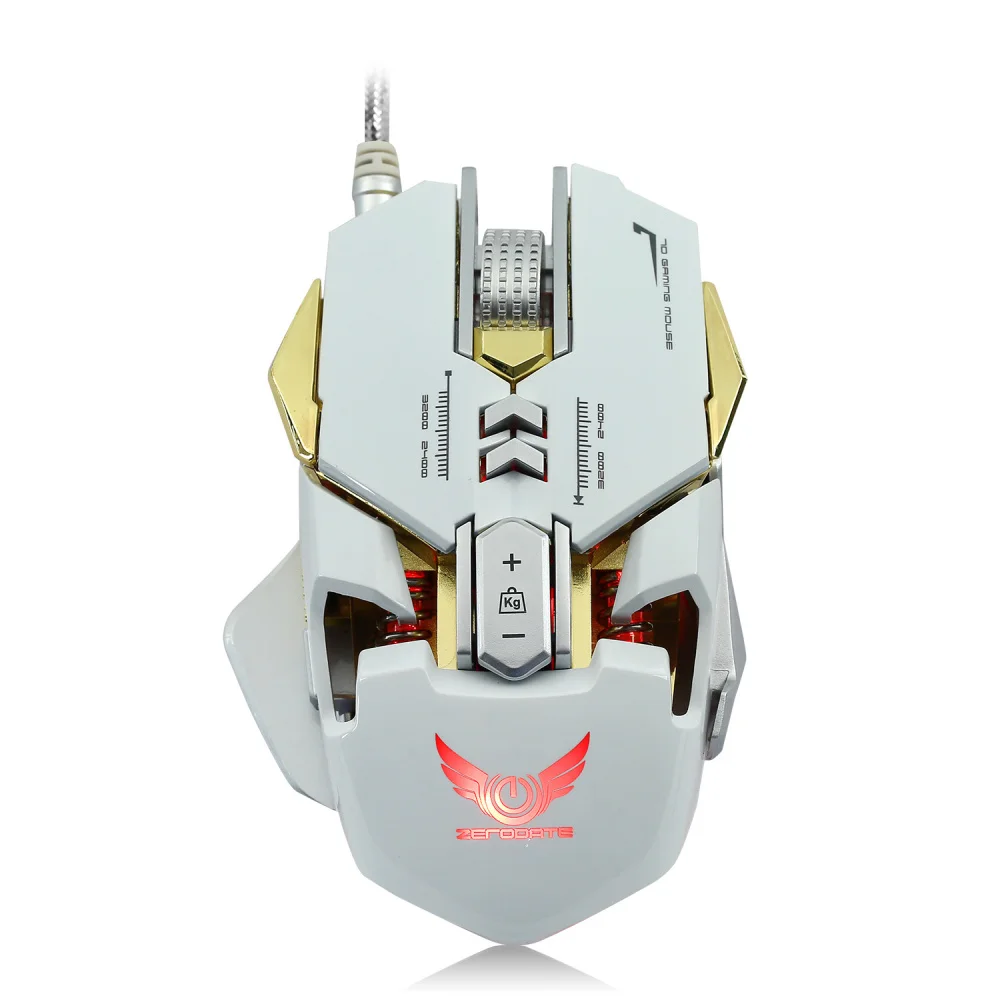
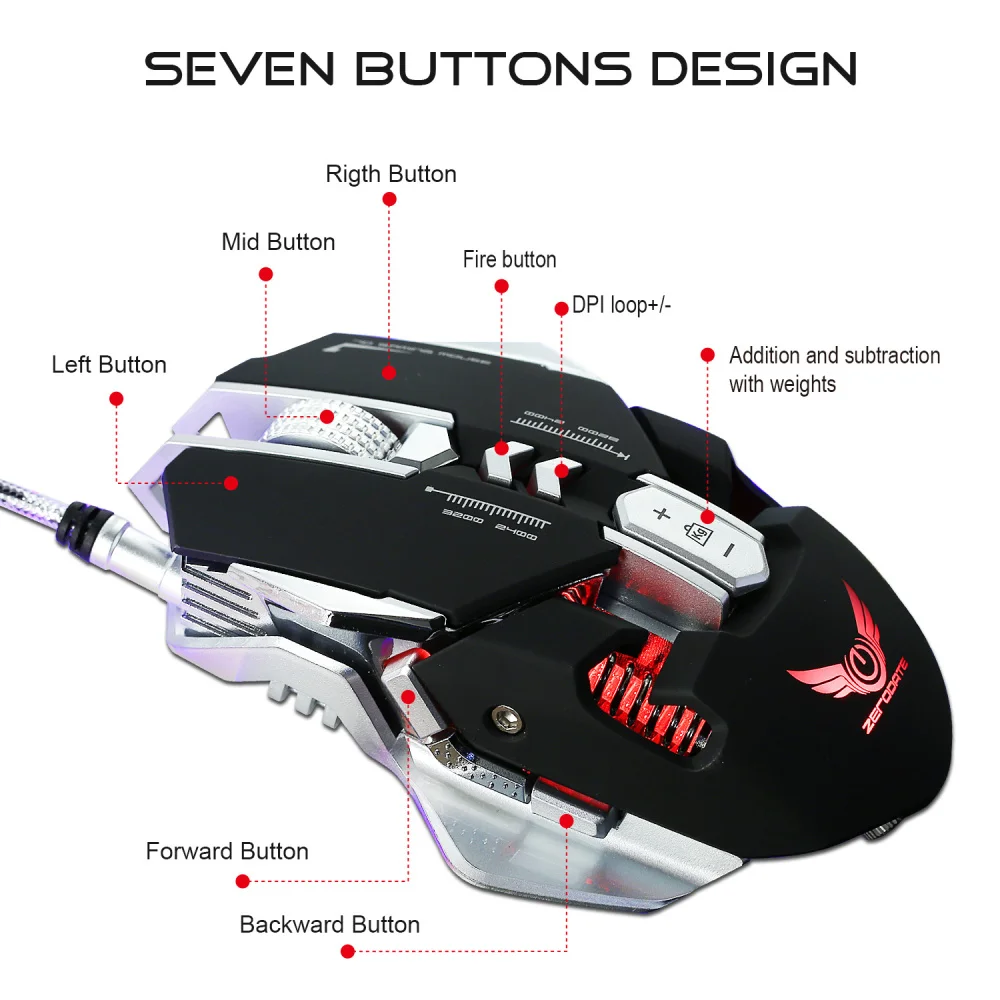
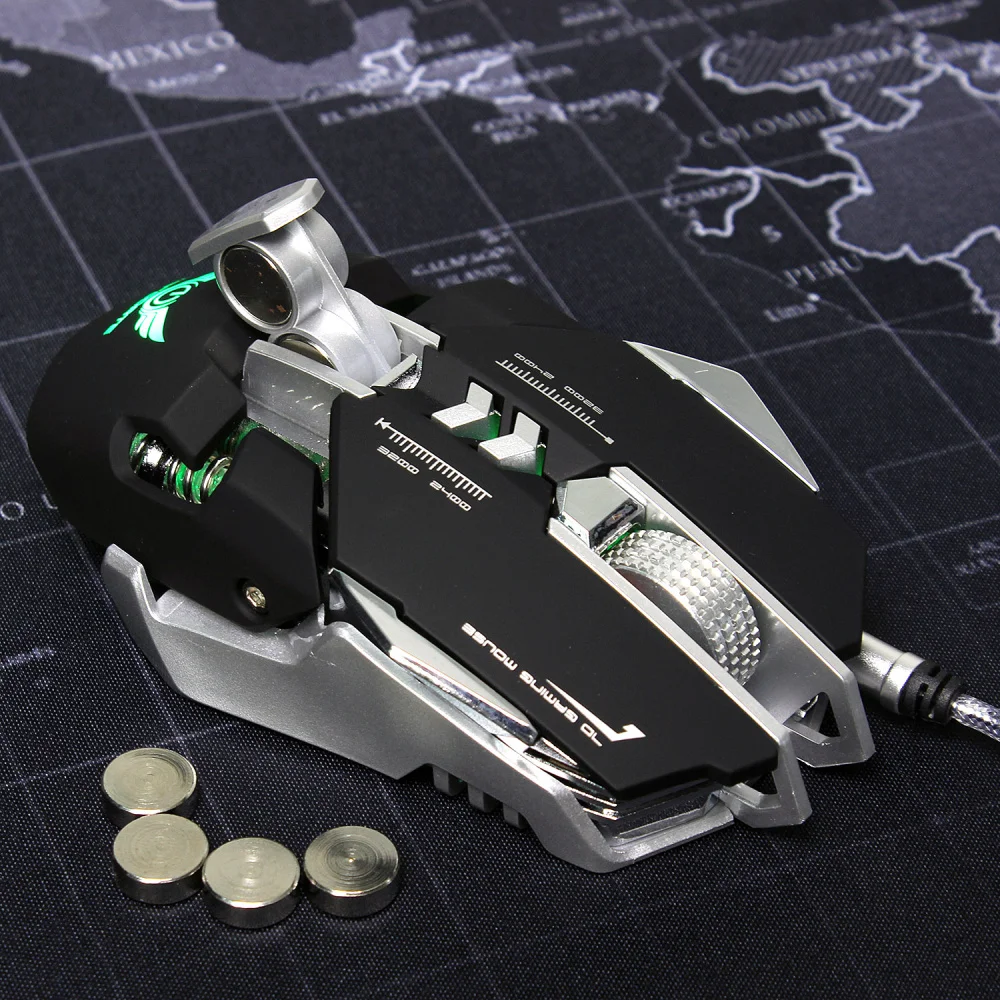
5:7 programmable keys
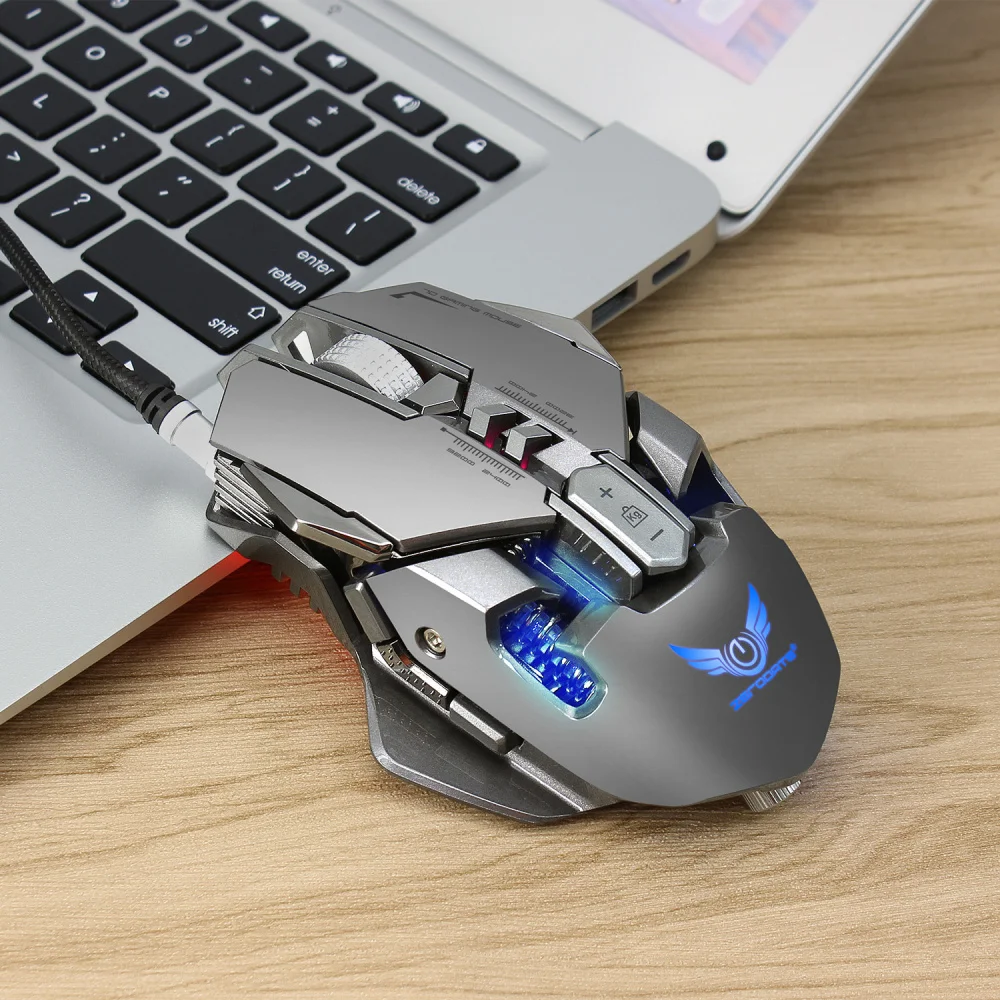
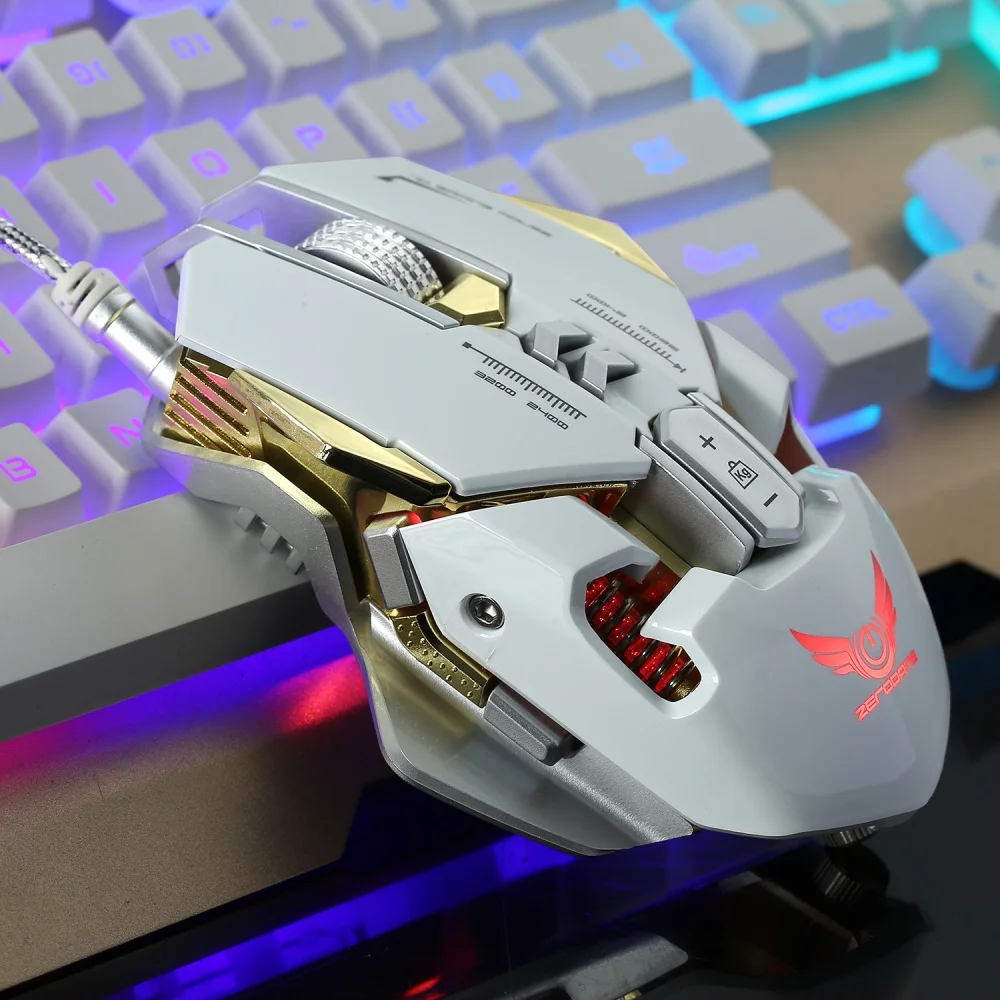
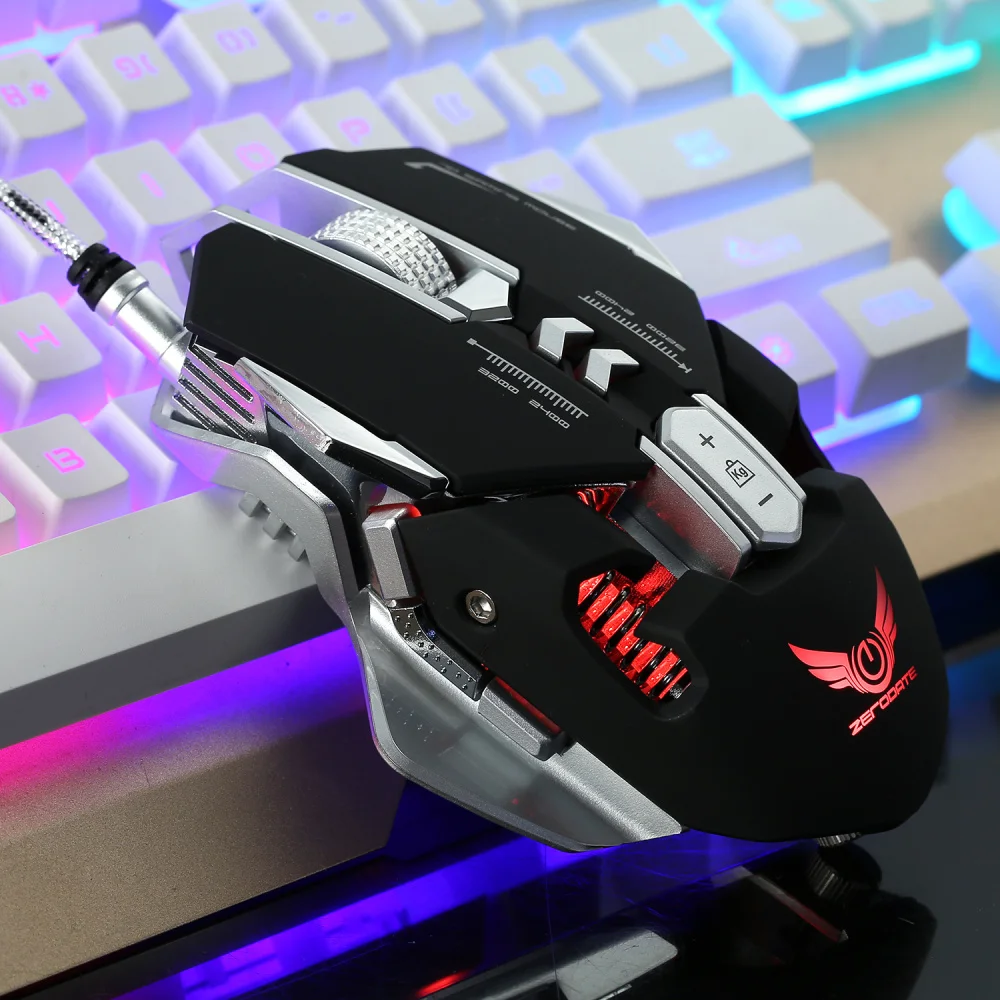
6:Cool LED variable light effect
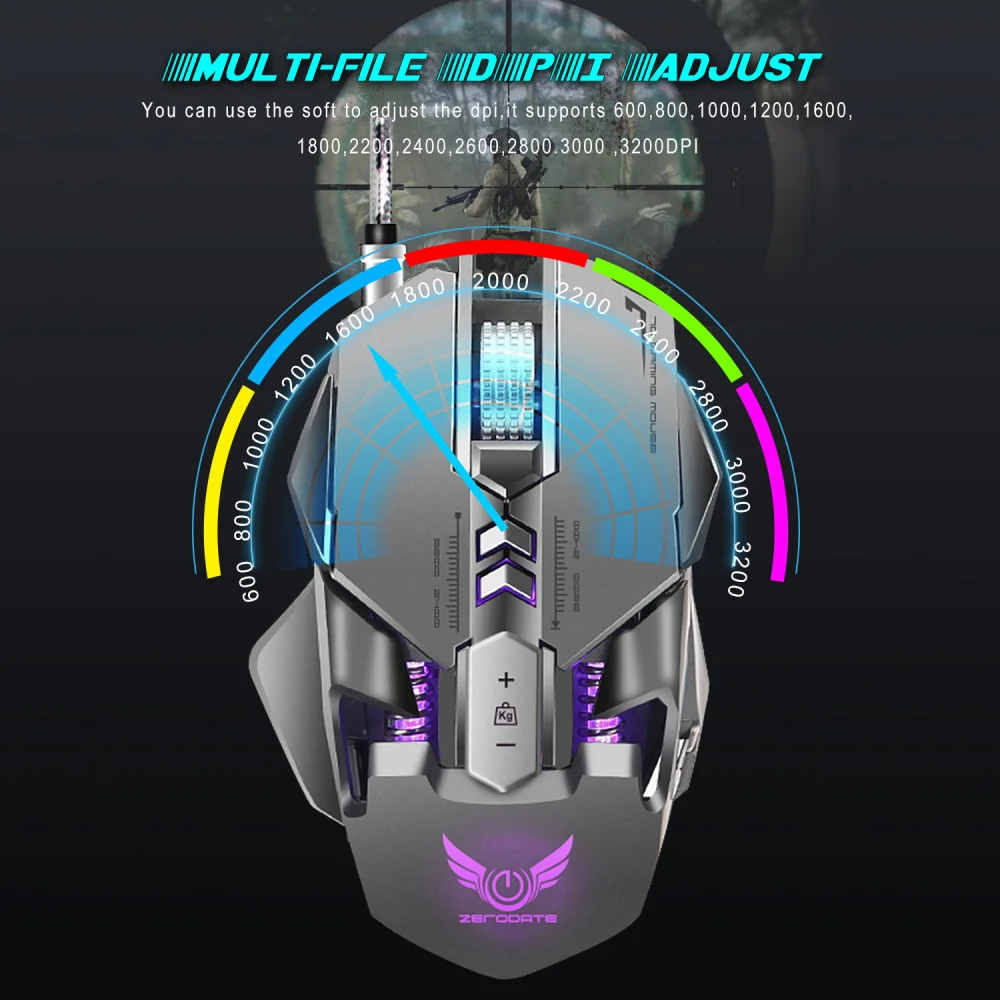
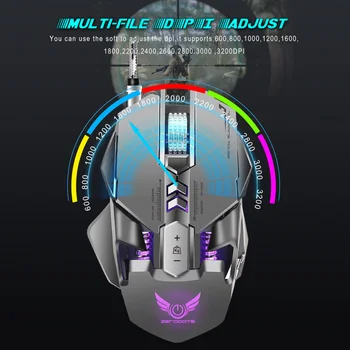
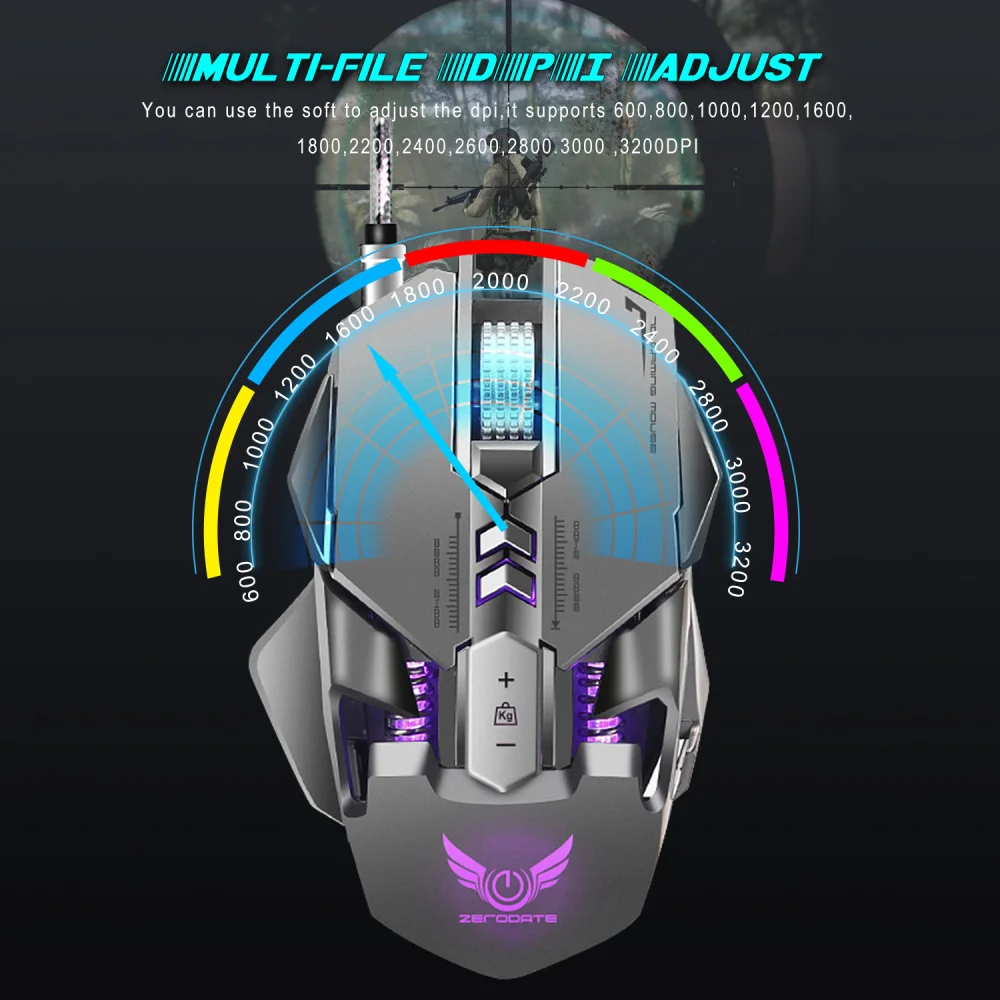
7:12-level adjustable DPI, Max. 3200 DPI
8:USB plug and play
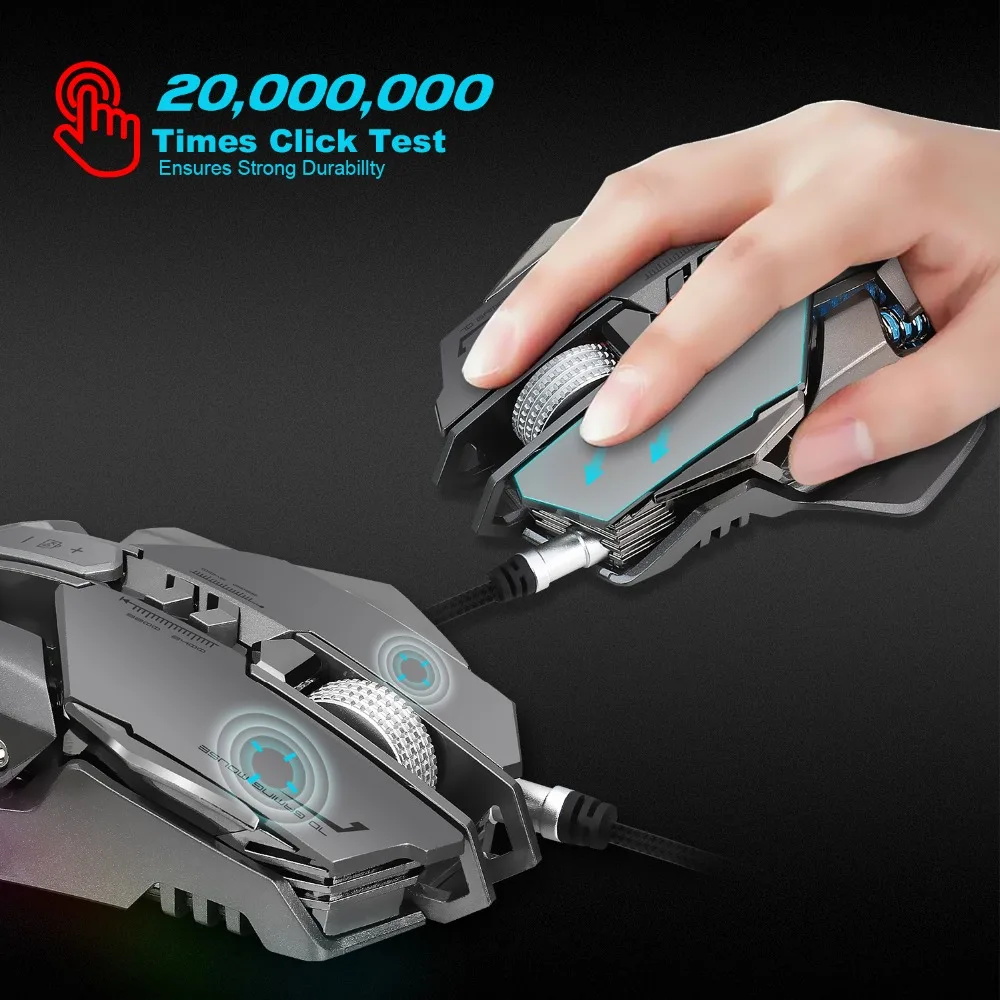
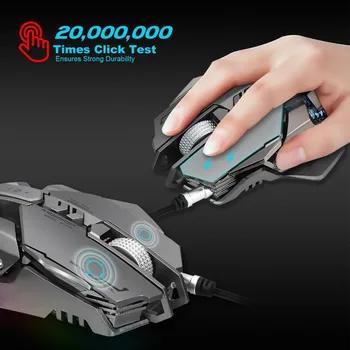
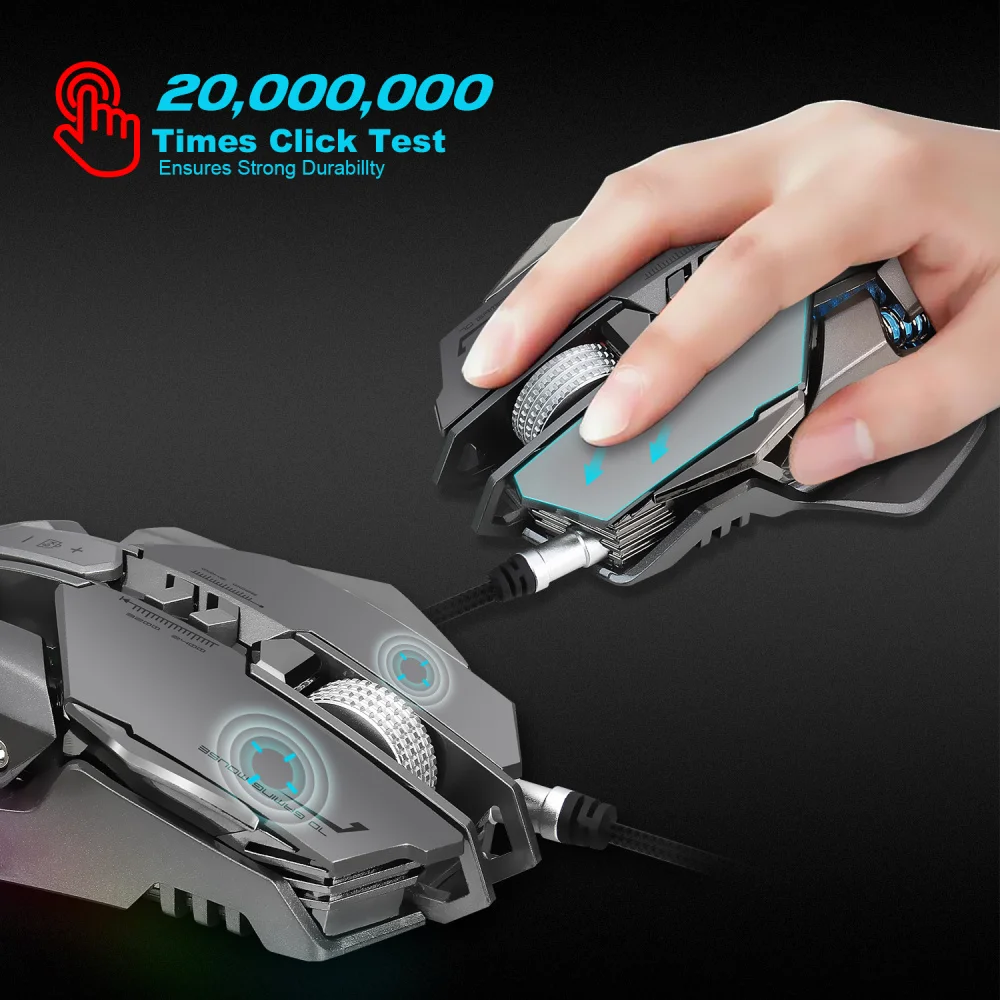
9:Switch life:20million cycle
10:Cable length: 150cm
11 :Item Weight:168g
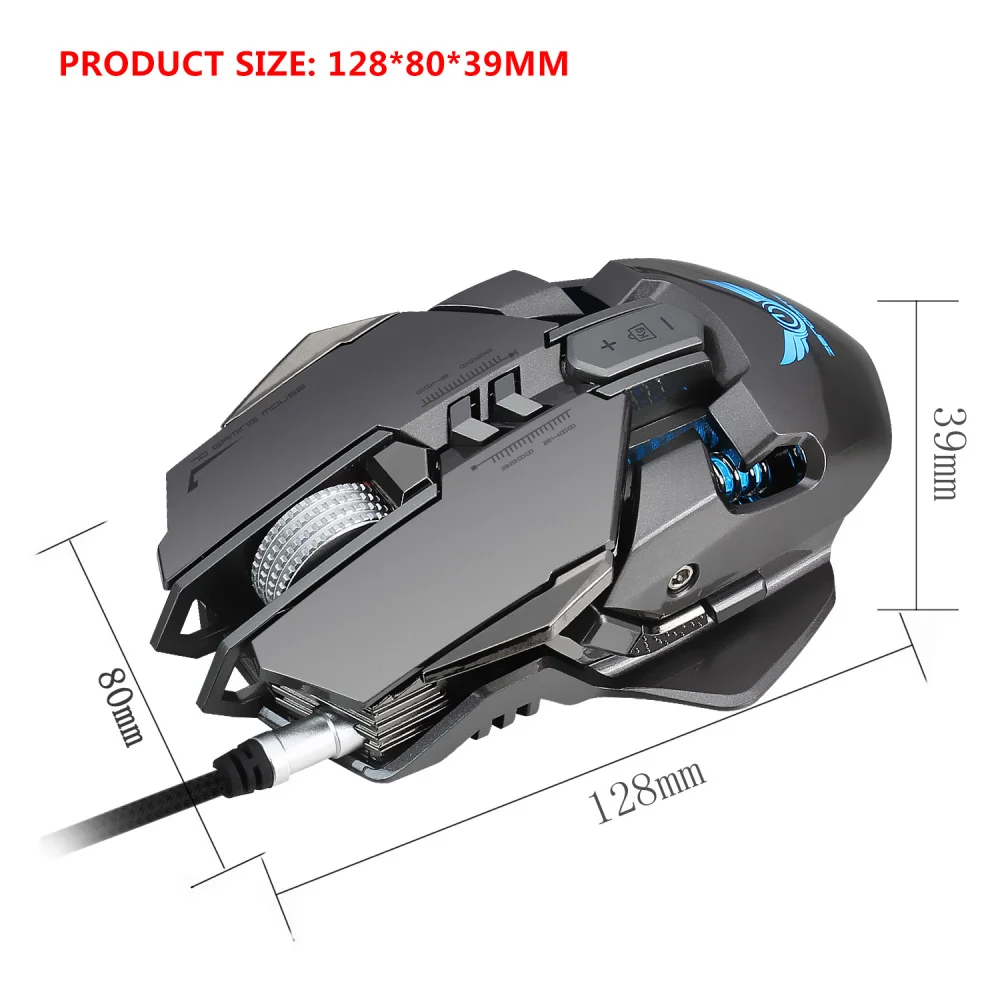
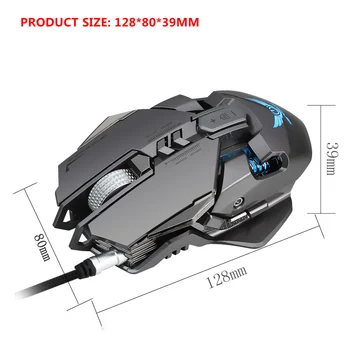
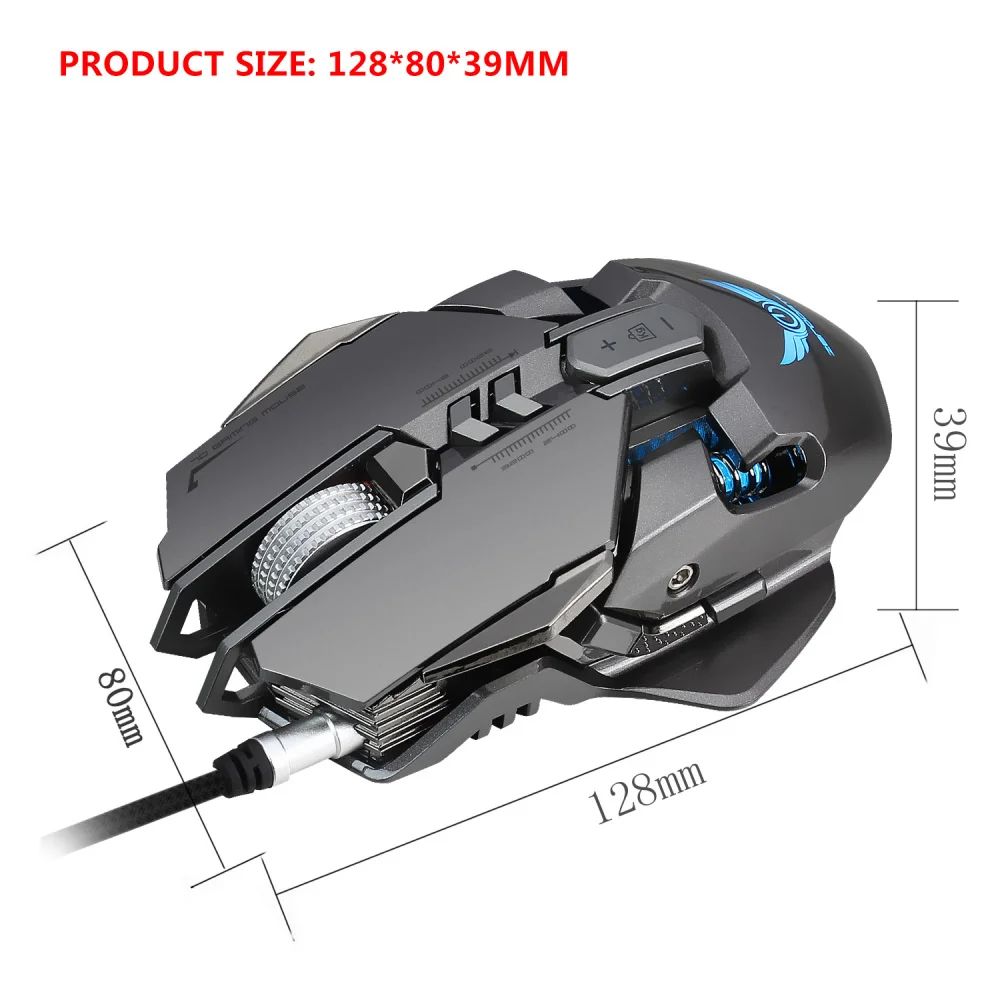
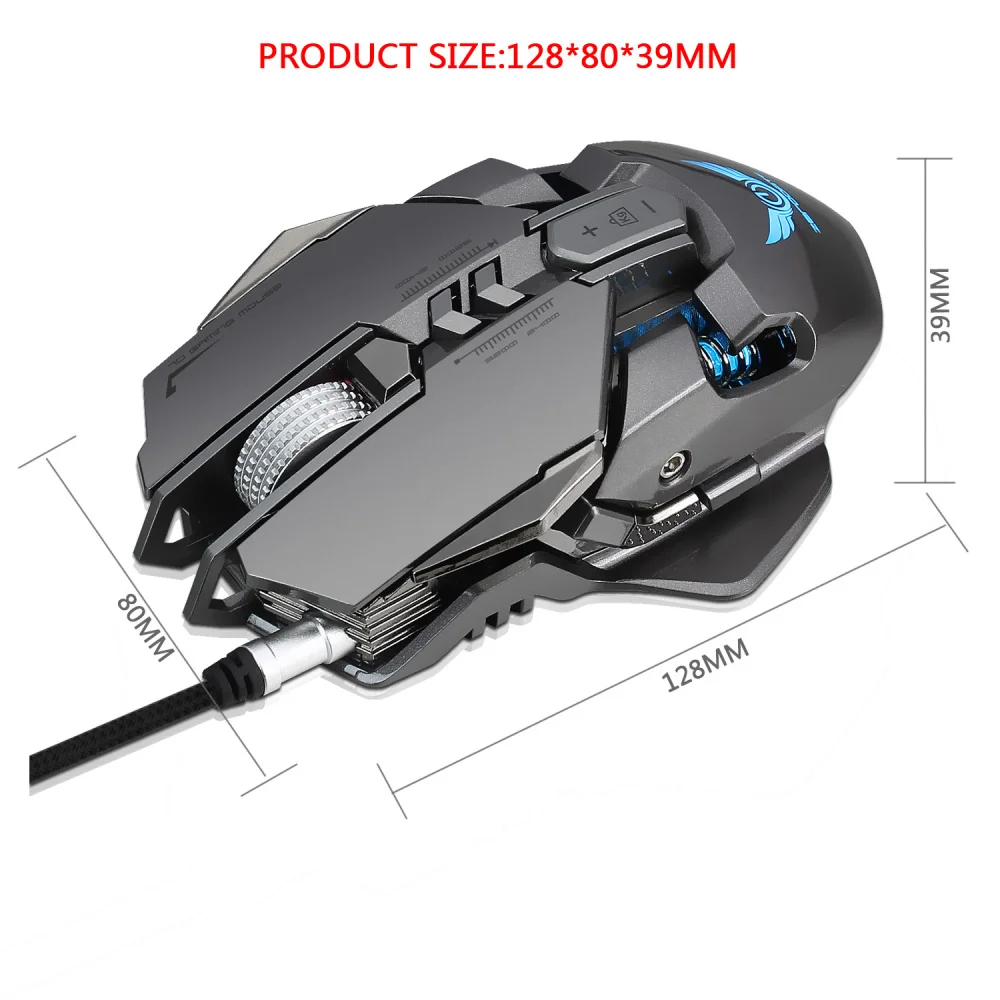
12:Item Size:128*80*39MM(L * W * H)
13 :Package Weight:243g
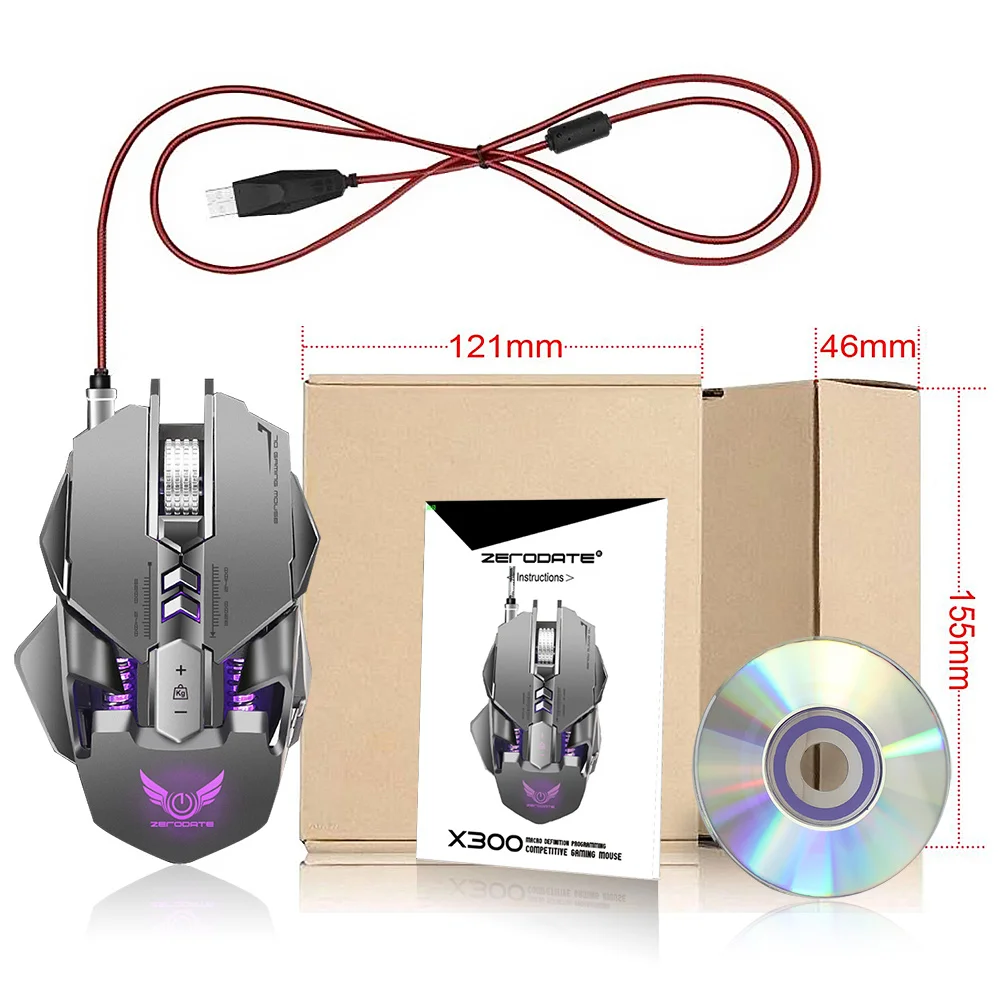
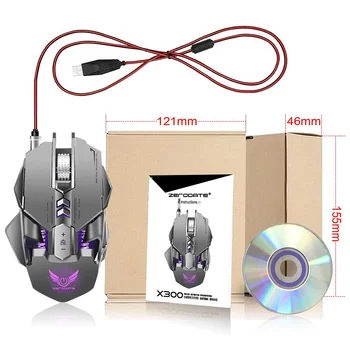
14 :Package Size:159*121*47MM
15:Support Windows 2000 / XP / win7 / win8 /win10 Vista 32bit IOS or latest.
16:Packing list:
1 x gaming mouse
1 x User manual
1 x CD(Macro definition software)
The custom driver download and use:
1. Insert the driver CD to computer, and run the
“setup.exe” installation.
2. The installation can be started when the mouse is
successfully connected and in normal use.
3. When the installation is completed, “X300” drive icon
appears on the desktop.
4. Adop Avago A3050 professional game chips, with
high-performance program control decoder chip, to
achieve smooth movement and precise control.
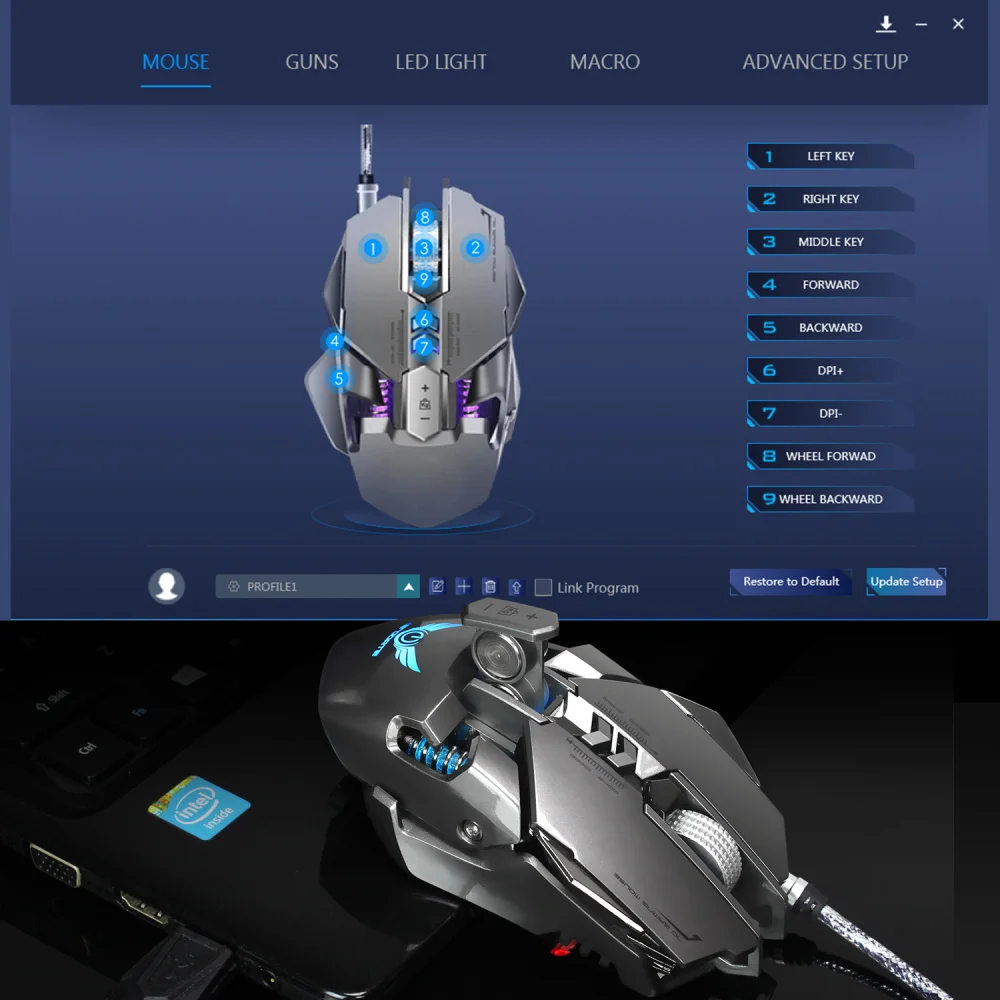
5. For key 2-7 (as the picture shows),custom settings
are supported via the drive.
6. Advanced Settings: the custom macro editing for
gaming effects are supported.
7. Advanced Settings: pointer precision, scroll wheel
speed and double-click speed can be set.
8. Basic Settings: 600 DPI~3200 DPI, 12 segments
available, each with a value of 200 DPI increments.
9. Three light modes, standard lighting, breathing lighting,
neon lighting available.
10. Plug and play, more new functions can be achieved via
the drive.
11. When settings done, click Application, and click Save
the Configuration. You should boot the driver again when
next use so that all the self-defined functions can be used







 |
 |
 |
 |
 |
 |
 |
 |
Customer –
thats great. im really interested about this item.. Highly recommended for Graphic related works
D***. –
I really liked the mouse! On a stationary computer i use a mouse Logitech, and the mouse zerodate bought for a laptop. Now, Logitech sucks! Zerodate is just gorgeous! Plastic looks great, sensa at the height, the mouse in the hand sits like a glove. If this mouse was wireless, i would buy two more for work and at home.
A***k –
Доставили за 12 дней в Ростовскую обл.упакованно хорошо нареканий нет всё работает дрова установились настройка мыши работает цвета регулируются !Товаром доволен.
N***r –
Ziet er mooi uit!
F***s –
thank you very much
X***s –
CD didnt work but you can find links to downloads via YouTube
M***n –
Works great BUT the side buttons need to be repositioned to a more accessible area on the side of the mouse as for the software I have not yet tried it and cannot comment on that side of things. 10/10 recommend product.